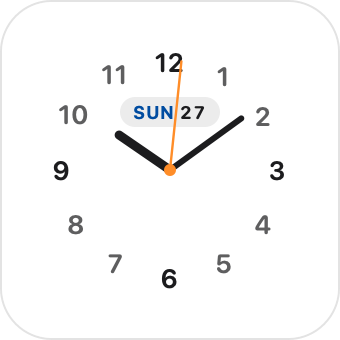
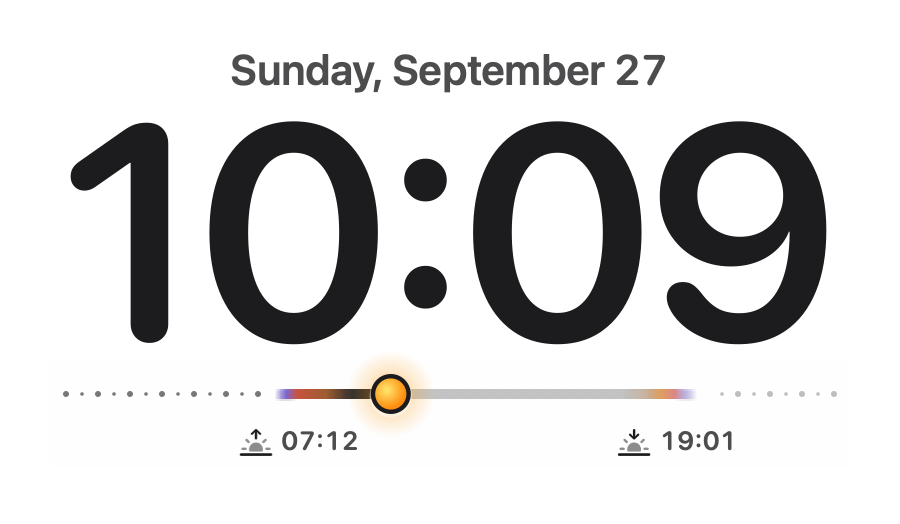
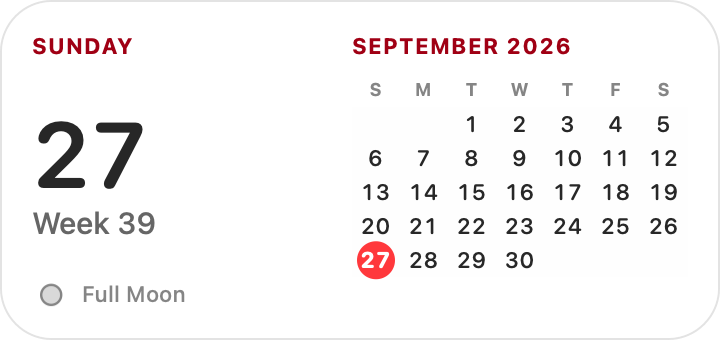
01 / A rhythm for your day
Keep your day in view.
Clocks, calendars, forecasts and sun times. The everyday details, without opening another window.
Clocks, weather, and a little music. Beautiful native widgets that make your Mac feel like your own. And yes, your Rainmeter skins are welcome.
Free & open source · macOS 13+ · Apple silicon & Intel
THE EVERYDAY, AT A GLANCE
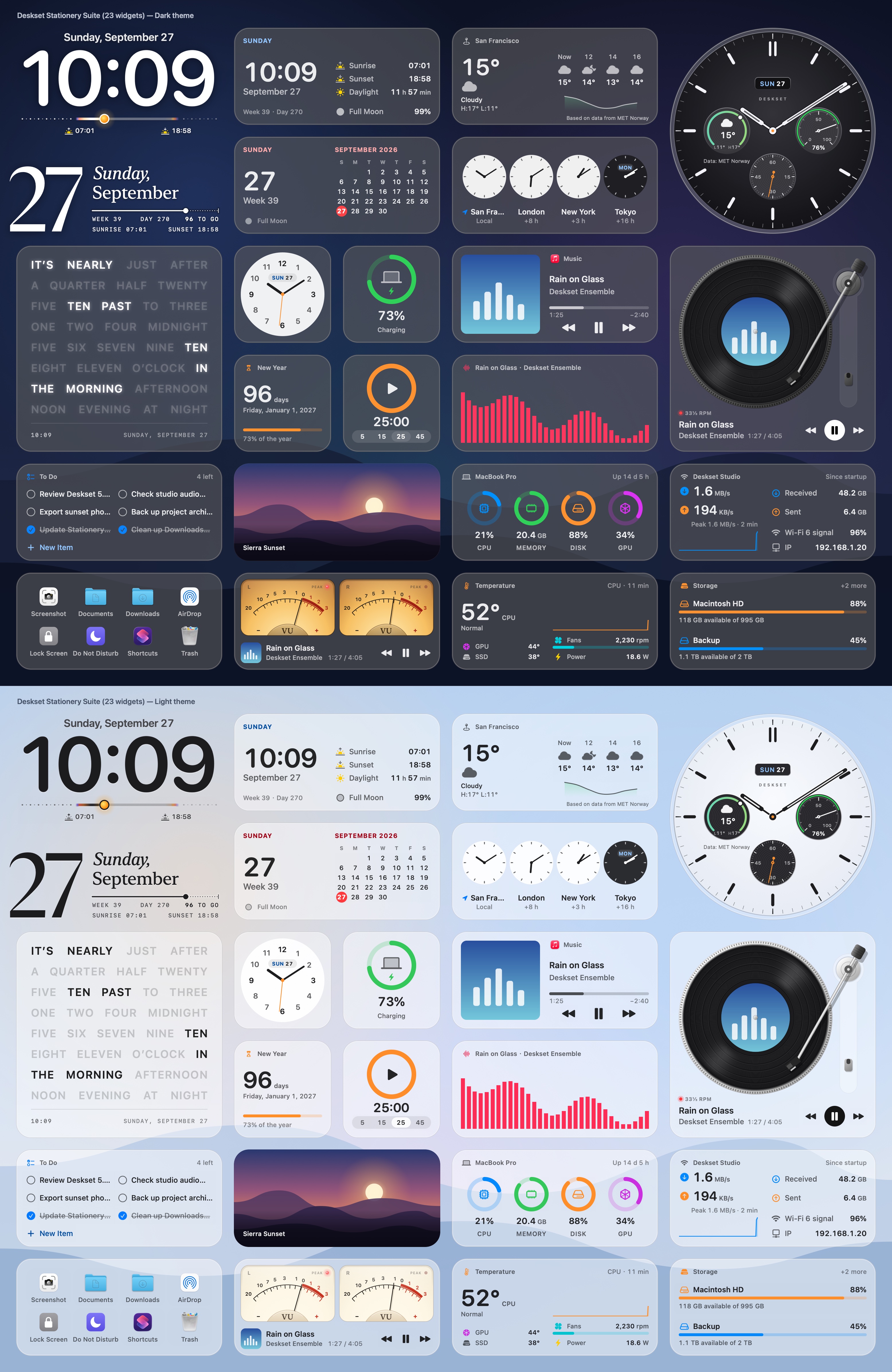
Meet the Stationery collection. Pick your favorites, find their place, and make a little room for you.
01 / A rhythm for your day
Clocks, calendars, forecasts and sun times. The everyday details, without opening another window.
02 / A soundtrack for your space
Music controls, a vinyl turntable and audio visualizers. A desktop that moves with your soundtrack.
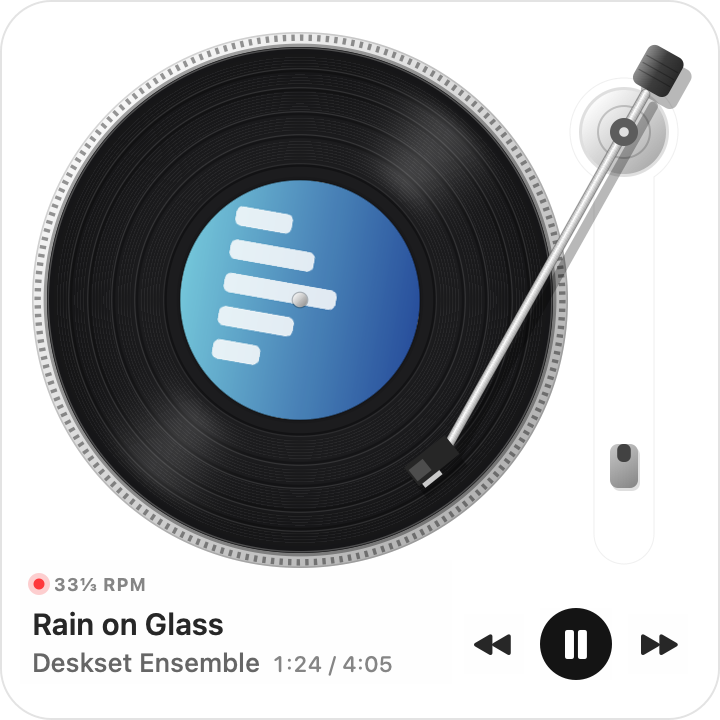
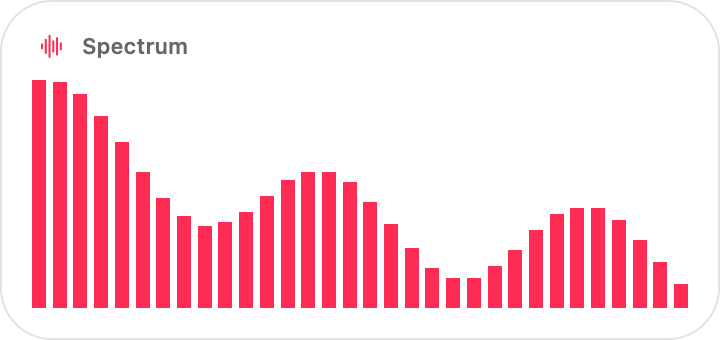
03 / A little room to focus
To-do lists, timers, photos and launchers. Add system monitors to keep an eye on your Mac, too.
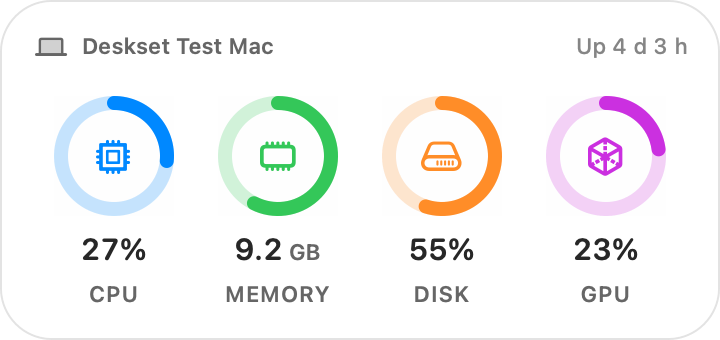
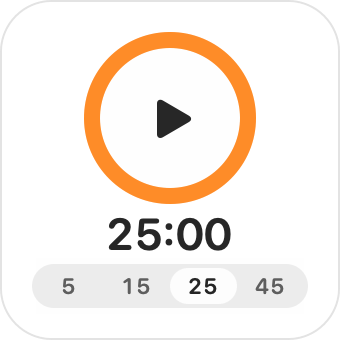
Light or dark. Big or small. Make yourself at home.
Explore the full collectionFAMILIAR CREATIVITY. A NATIVE HOME.
Bring a favorite Rainmeter skin over from Windows, or make something of your own. Deskset brings it to the Mac with native desktop panels.
Native panels. No web views.Start with Stationery or open a .rmskin package, a ZIP archive or a skin folder. Manage everything from the menu bar.
Arrange widgets around your desktop. Set window levels, enable click-through and keep positions for the next time you work.
Open Skin Studio to edit code beside a live preview, with syntax highlighting and diagnostics. The editor interface is currently in English.
Compatibility has limits: Windows-only DLL plugins and Windows programs cannot run on macOS.Read the compatibility guide
BUILT IN THE OPEN
See how it works, share an idea, or help make it better. Deskset is free and open source under GPL v3.
A LITTLE CHANGE. A LOVELIER DESKTOP.
Choose the download for your Mac. Open the disk image, then drag Deskset into Applications.
For Macs with an M-series chip
For Intel-based Macs
Version 0.6.1 · macOS 13 Ventura or later
DESKSET PRO · COMING SOON
The next app from Deskset. More widgets, new styles, and a desktop that changes with your day.
Everyone on the waitlist hears first when Deskset Pro launches, and gets the early-bird price.
We’ll only use your email for Deskset Pro’s launch and the early-bird offer.
Authenticator codes, clipboard history, web slices, agenda, lyrics and more.
Give any widget a tactile finish, or turn it into a real object on your desk.
Set up one desktop for work and another for rest. They switch with your Focus.
Keep codes, clipboard history and other sensitive widgets hidden until you unlock them.
Yes. Deskset is free and open source under the GNU GPL v3. The bundled example skins are MIT-licensed.
Many Rainmeter features work, including Lua scripts and built-in plugins reimplemented for macOS. Windows-only DLL plugins and Windows programs do not. A skin’s Compatibility Notes explain unsupported features.
Rainmeter is Windows-only, while Übersicht renders web views and GeekTool or Conky focus on shell scripts and text output. Deskset is a native macOS alternative that renders widgets directly with macOS panels — no WebView overhead — while supporting familiar Rainmeter .ini skins, Lua scripts and built-in macOS system, media and weather measures.
It depends on the widgets you use. Audio visualizers need audio or screen recording access, Music and Spotify controls need automation access, and Wi-Fi names or current-location weather need Location Services. macOS asks when a loaded skin uses the feature.
Deskset supports macOS 13 Ventura and later, on Apple silicon and Intel. Liquid Glass is available on macOS 26; earlier versions use a frosted blur. Hardware sensor availability varies by Mac, and readings are approximate.
Read the setup and troubleshooting guide on GitHub, or open an issue with the problem and relevant log lines. Only install skins from sources you trust: skins can run scripts, access the network and execute commands.