 Deskset

DOWNLOAD
Deskset Pro for Mac.
Free to download. Every Pro feature is yours for 14 days, with no card. After that the free widgets keep working.
After it downloads
01
Install
Open the disk image, drag Deskset Pro to your Applications folder, and open it.



02
Place your widgets
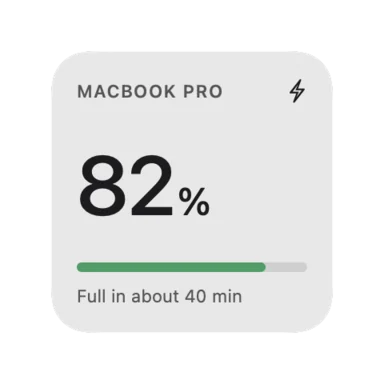
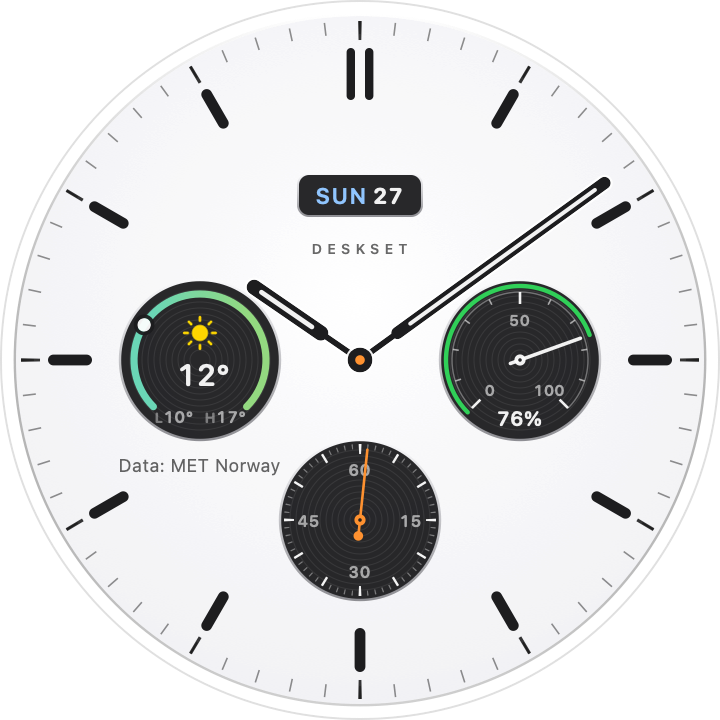
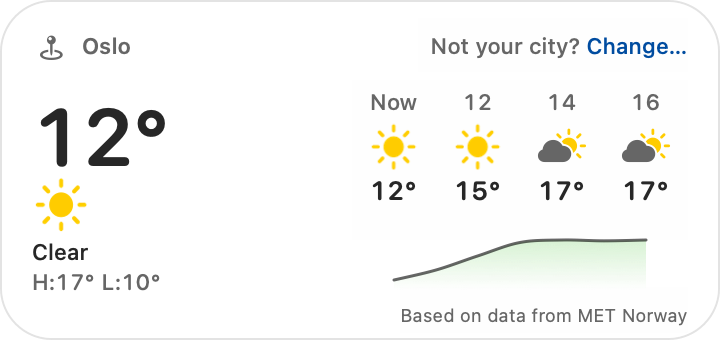
Drag widgets from the widget bar onto your desktop. Right-click or double-click one to edit it where it is.
03
Try Pro, or activate
Start the 14-day trial in the app. If you’ve bought a plan, the checkout page opens Deskset Pro with your license key.
FREE AND OPEN SOURCE
Deskset (open source)
The original Deskset: Stationery widgets, and your Rainmeter skins on the Mac. A separate app from Deskset Pro; both can run at once. Free under GPL v3.
Bought Deskset Pro and lost your license key? Have it emailed again